How to organise and catalogue an online art gallery
An online gallery is only as good as the records behind it. If every artwork has the same set of facts, written the same way, the gallery is easy to browse, easy to update and easy for search engines and screen readers to understand.
Start with a catalogue record
Before you design any page, make one record per artwork in a spreadsheet or a simple data file. Galleries and museums use the same core fields, and they cover almost everything a visitor wants to know.
| Field | Example | Notes |
|---|---|---|
| ID | cosmos | Short, unique, never reused. Often also the file name. |
| Title | Cosmos | Use “Untitled” plus a number if the work has no title. |
| Year | 2022 | Year completed. Use a range for works made over time. |
| Medium | Acrylic on canvas | Material first, then support: “oil on linen”, “ink on paper”. |
| Dimensions | 30 × 40 × 1.5 in | State the order and unit once, and keep it everywhere. |
| Image file | cosmos.jpg | Lowercase, hyphens, no spaces. |
| Alt text | See below | A description of what the image shows. |
Add optional fields only if you will keep them up to date: series, location, exhibition history, or whether the work is on loan. A field that is right for half the works is worse than no field.
Example records
These four acrylic paintings come from this site’s own studio catalogue. Their titles, medium, year and size are shown exactly as recorded.
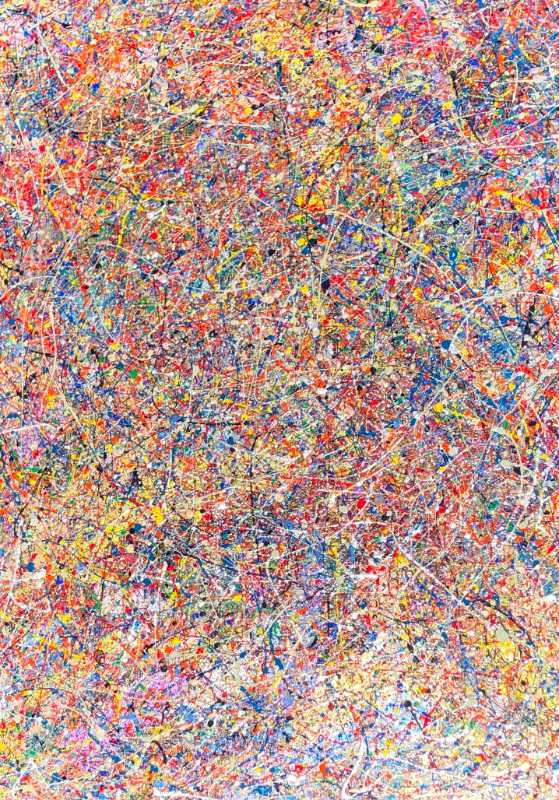
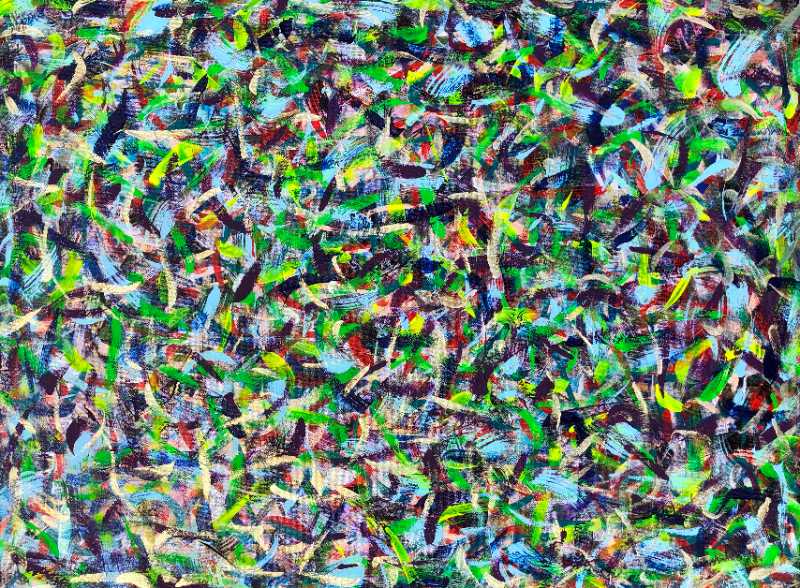
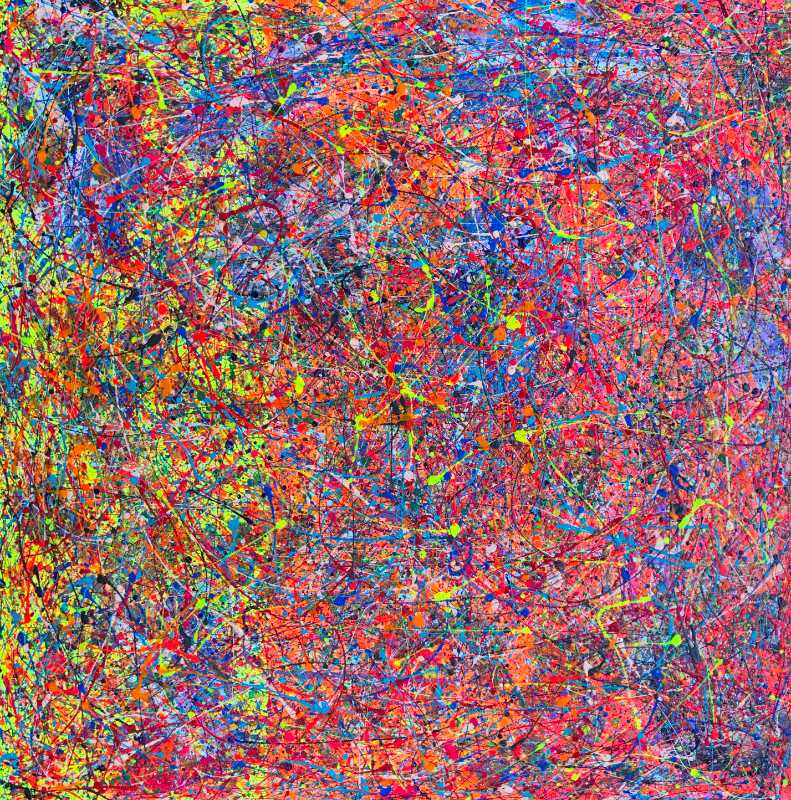

Notice two things. The last record has no depth, which is fine when it is unknown, as long as the field stays visibly empty rather than guessed. And the records do not say which number is the height: the Cosmos photo is taller than it is wide, while Parrot Gathering is wider than it is tall, yet both list the smaller number first. The next section shows how to remove that doubt.
Writing dimensions
The usual convention in art catalogues is height before width, then depth for canvases and objects. Whatever order you choose, write it once on the gallery page, for example “Sizes are height × width × depth in inches”. If you sell or show work internationally, add centimetres: multiply inches by 2.54. A 20-inch side is 50.8 cm.
Image sizes and files
- Keep a master photo of each work at the highest quality you have, offline.
- Export a display copy sized for the web. For a gallery page, a long edge of around 1200 to 2000 pixels is a sensible range.
- Export a thumbnail for grid views, a few hundred pixels on the long edge.
- Use the same file name pattern for all three, such as
cosmos.jpg,cosmos-thumb.jpg. - Put the real pixel width and height on each image tag so the layout does not jump while images load.
Thumbnails in a grid are often cropped to squares for neatness. Always link to an uncropped view, because the crop can cut off the very edge of a composition. The image compression guide covers formats and quality.
Alt text for artwork
Alt text is read aloud by screen readers and shown when an image fails to load. For art, the title alone tells the listener very little. A good pattern is title, then medium, then one or two sentences on what can be seen: the main subject, the dominant colors and the composition. Keep it to what is visible. Your interpretation belongs in the caption or a longer description.
Pattern: “[Title], [medium]. [Main subject and where it sits]. [Dominant colors or mood].”
Write each one while looking at the work. Copying the same sentence onto every image defeats the purpose.
Organising the gallery
- Choose one main order: newest first, by series, or by medium. Visitors should be able to predict where a work will be.
- Give each work its own page or anchor if you want to share or link to it directly.
- Protect the images sensibly. A modest display size and a neat watermark discourage reuse without ruining the view.
- Review the records whenever a work is sold, lent, re-titled or re-photographed.
Common mistakes
- Mixed units and orders, such as “40x30” on one work and “30 by 40 in” on the next.
- File names like IMG_4821.jpg. They tell you nothing six months later.
- Photos with glare or a skewed angle. Shoot square to the work in even light, and crop to the edges of the canvas.
Questions people ask
Do I need special gallery software?
No. A spreadsheet and a folder of well-named images are enough to start. Any website builder or a static site can display them from that data.
Should I list sold works?
Many artists keep them, marked as part of the archive, because they show the range of the work. Keep the record and update its status.